 Leading Tech Since 1997
3D printing provides engineers with a better way to prototype ideas and create durable end-use parts that can be ready for visual and functional evaluation in a matter of hours. This eliminates the need for outsourcing and complex production machinery, while allowing you to create more iterations and improve product quality. Once you have finalized your design, 3D printing enables you to print durable, low-volume, and customized parts with minimal tooling costs and lead time.
This guide will help you achieve the benefits of 3D printing as quickly as possible. Using UltiMaker fused filament fabrication (FFF) printers as examples, we will look at:
This guide has been created by Ultimaker’s 3D printing experts. It also features examples from real-life engineers, so you can learn from those already using 3D printing to reduce production time and costs.
Dynamism processes your personal data in accordance with the Privacy and Cookie Policy.
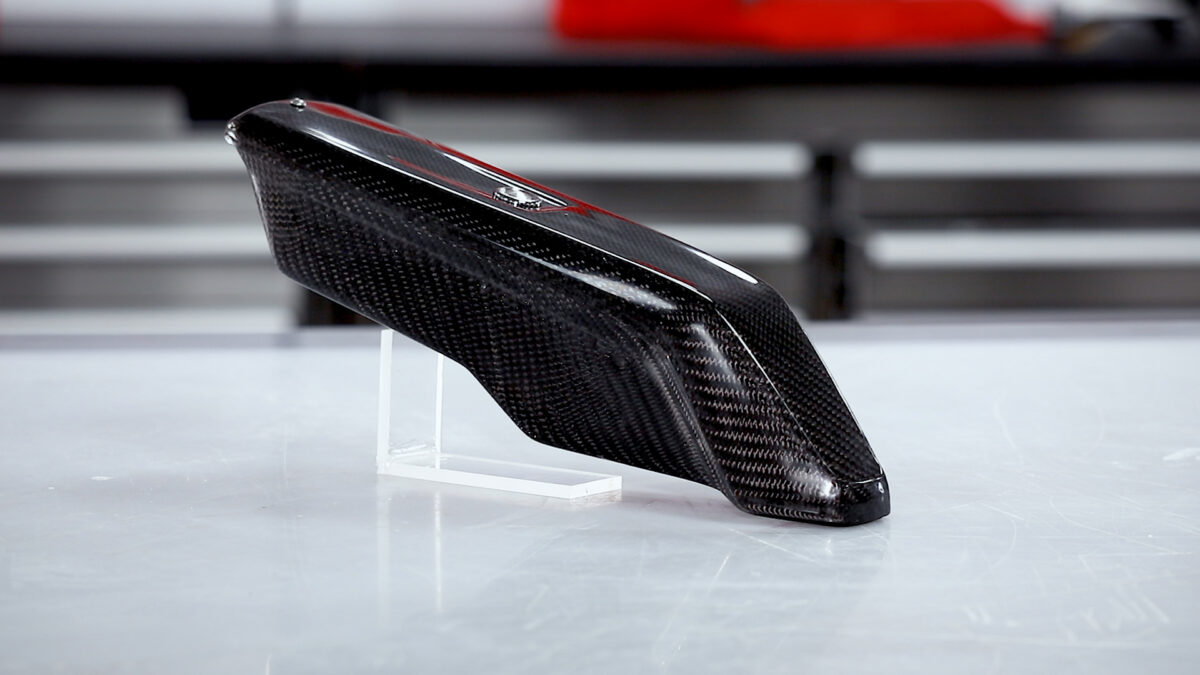
Create Molds Suitable for Ambient Cure Processes Including Wet-Lay-Up, Vacuum Bagging, and Resin Infusion.
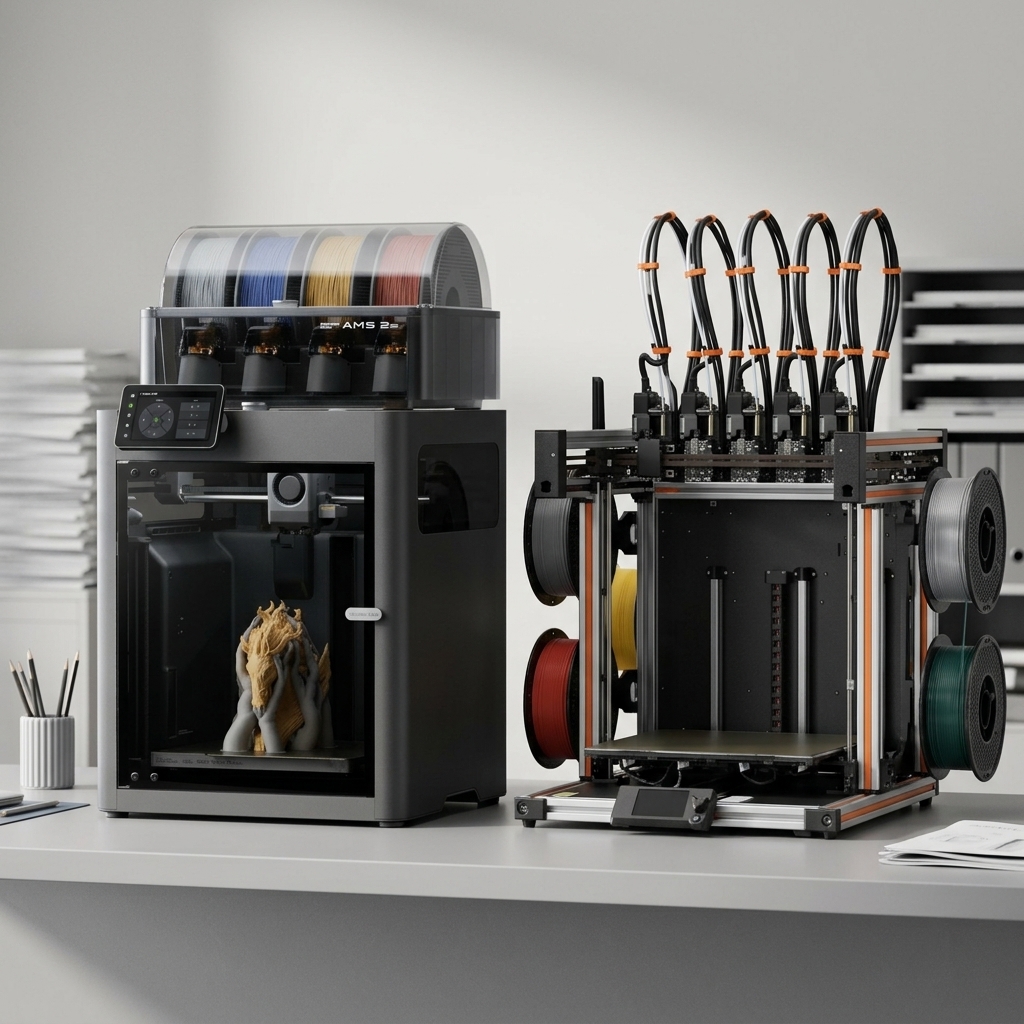
Choosing between Bambu Lab vs Prusa has become the defining decision for anyone entering the desktop 3D printing market in 2026. Bambu Lab vs Prusa: The Two Titans of Desktop 3D Printing Choosing between Bambu Lab vs Prusa has become the defining decision for anyone entering the desktop 3D printing market in 2026. Both manufacturers […]