2026 3D Printer Buyers Guide | Dynamism
With over 20 years of experience in hardware , Dynamism helps engineers, labs, and manufacturers select the right additive technology for their application not just buy a printer. Use this 3D printer buyers guide to compare the three most common professional processes: material extrusion, vat photopolymerization, and powder bed fusion.
Types of 3D Printing Processes
Choosing the wrong process is the most common and costly mistake in additive manufacturing. This 3D printer buyers guide breaks down each technology’s fundamental tradeoffs, cost, material capability, surface finish, and throughput, so you can make the right call before you buy.
Material Extrusion
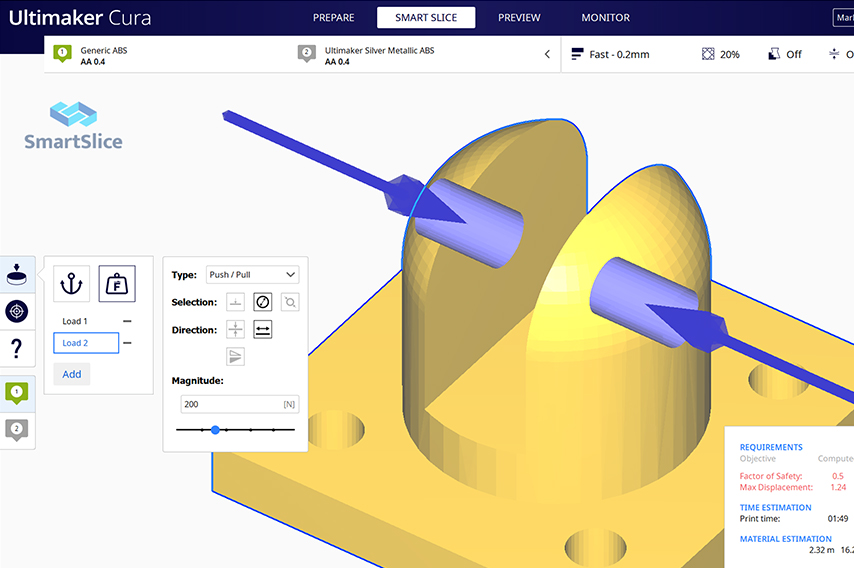
A strand of thermoplastic filament is drawn through a heated nozzle. A motion system guides the nozzle to deposit layers one at a time. One of the most economical and material-diverse processes in additive manufacturing.
Best For: Functional prototypes, tooling, engineering-grade thermoplastics, education, high-volume throughput
Typical surface finish: Moderate layer lines visible, can be post-processed
Vat Photopolymerization
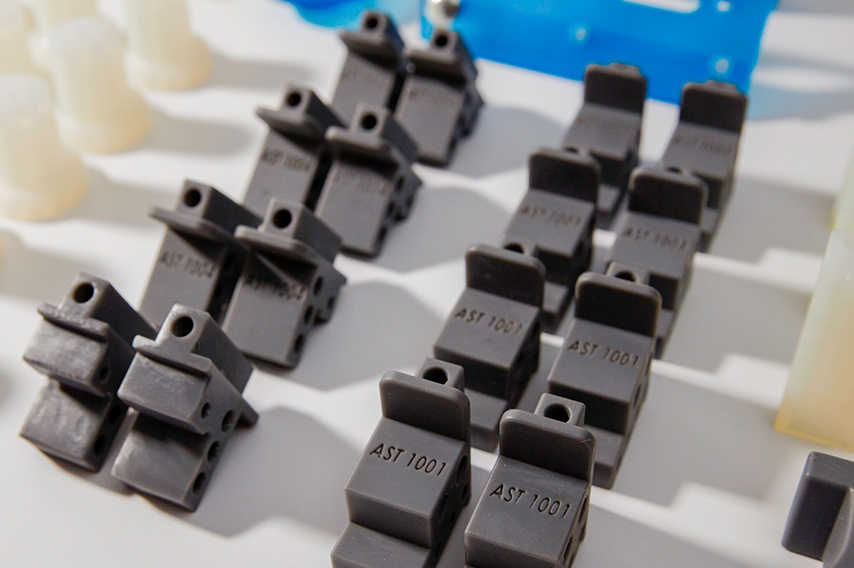
More commonly referred to as SLA or DLP. A build plate is lowered into a vat of photocurable resin where layers are cured from a light source below. Known for sharp edges, fine details, tight tolerances, and minimal visible layer lines.
Best for: Medical devices, dental, high-detail prototyping, casting patterns, biocompatible parts
Typical surface finish: Excellent, near-isotropic properties, smooth surfaces
Powder Bed Fusion
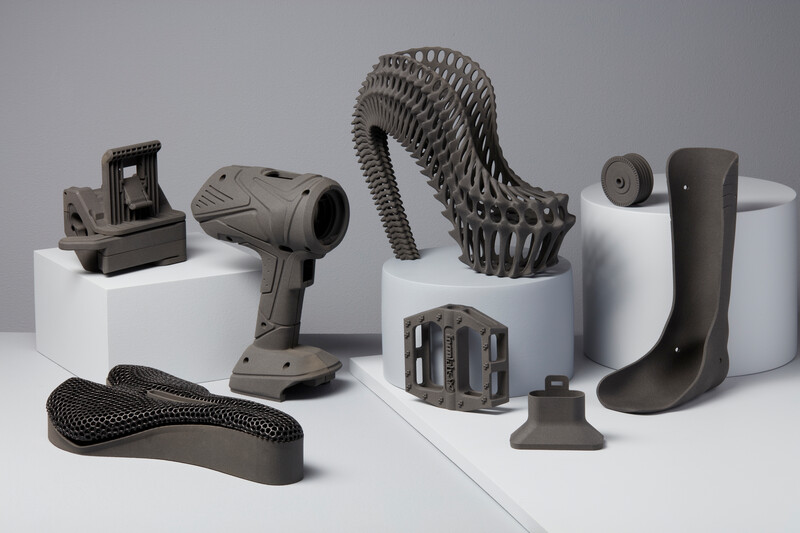
Layers of powdered material are deposited fractions of a millimeter at a time. The material is then melted and fused using a heat source — typically a laser or electron beam. No support structures required; excellent for complex geometries.
Best for: Low-volume production, complex geometries, nylon and PA materials, functional end-use parts, metal
Typical surface finish: Good, slightly grainy, highly consistent mechanical properties
Desktop Material Extrusion 3D Printers (FFF/FDM)
MakerBot — Education & Classroom 3D Printers

MakerBot Sketch Sprint
Best for Classrooms
Print Volume: 220 × 220 × 220 mm³

Makerbot Sketch
Best for K-12 Classrooms
Print Volume: 150 × 150 × 150 mm³
UltiMaker — Professional & Industrial 3D Printers

UltiMaker Factor 4 Plus
Industrial-grade hardware optimized for high-speed production
Print Volume: 330 × 240 × 300 mm³

UltiMaker Method XL
Best for Industrial Applications
Print Volume: 305 × 305 × 320 mm³

UltiMaker S6 Pro Bundle
Best for Higher Education & Engineering-Grade Materials
Print Volume: 330 × 240 × 300 mm³
Available with glass build plate or flexible build plate.

UltiMaker S8 Pro Bundle
Best for Industrial Prototyping & Tooling
Print Volume: 330 × 240 × 300 mm³
Bambu Lab — Professional & Enterprise 3D Printers

Bambu Lab P2S Combo
Best for Professional & High-Volume Users
Print Volume:
256 × 256 × 256 mm³

Bambu Lab H2D Pro
Best for Secure & Professional Environments
Print Volume:
(Single) 256 × 256 × 256 mm³ (Dual) 300 × 320 × 325 mm³

Bambu Lab H2D Combo
Best for Multi-Material 3D Printing
Print Volume:
(Single) 325 × 320 × 325 mm³
(Dual) 300 × 320 × 325 mm³

Bambu Lab H2D Laser Combo 10/40W
Best for Multi-Functional Creations
Print Volume: 325 × 320 × 325 mm³
Laser cutter & engraver (10W and 40W options)

Bambu Lab H2S Combo
Best for Large Format + Engineering-Grade Materials
Print Volume: 340 × 320 × 340 mm³

Bambu Lab H2S Laser Combo
Best for Large Format + Laser Cutting & Engraving
Print Volume: 340 × 320 × 340 mm³

Bambu Lab H2C
Best for Multi-Color & Multi-Material (Minimal Waste)
Print Volume: 300 × 320 × 325 mm³

Bambu Lab H2C Laser Combo 10/40W
Best for Advanced Multi-Material + Laser
Print Volume: 300 × 320 × 325 mm³
Large Format Material Extrusion 3D Printers (FFF/FDM)
BigRep — Industrial Large Format 3D Printers

BigRep ONE.5X
Best for Engineering-Grade, High-Resolution Applications
Print Volume: 1005 x 1005 x 1005 mm³

BigRep VIIO250
Best for Automated, High-Temp Production Workflows
Print Volume: 1000 × 500 × 500 mm³

BigRep ALTRA 280
Best for high-temperature engineering polymers and aerospace/defense-grade production parts.
Print Volume: 500 × 700 × 800 mm³
Modix — Budget Extra Large Format 3D Printers

Modix BIG-60 V4
Best for large-format prototyping and end-use parts on a budget
Print Volume: 600 × 600 × 660 mm³

Modix BIG-120X V4
Best for wide-format for automotive/large flat parts
Print Volume: 1200 × 600 × 640 mm³

Modix BIG-120Z V4
Best for large vertical parts
Print Volume: 600 × 600 × 1200 mm³
Vat Photopolymerization 3D Printers (SLA / DLP)
Formlabs — Professional Resin 3D Printers

Formlabs Form 4L Complete Package
Best for Large Prints
Print Volume: 353 × 196 × 350 mm³

Formlabs Form 4BL Basic Package
Best for Large Format Rapid Medical Device Design
Print Volume: 353 × 196 × 350 mm³

Formlabs Form 4B Complete Package
Best for Rapid Medical Device Design
Print Volume: 200 × 125 × 210 mm³
SLA Post Processing Accessories
Formlabs — Wash & Cure Post Processing Accessories

Formlabs Form Cure V2
Best for Fast Curing
Print Volume: 200 × 125 × 205 mm³

Formlabs Form Cure L V2
Best for Fast Curing Large Prints
Print Volume: 423 × 423 × 365 mm³

Formlabs Form Wash V2
Best for Automated Precise Uncured Resin Removal
Print Volume: 315 × 293 × 405 mm³

Formlabs Form Wash L V2
Best for Automated Resin Removal on Large Prints
Print Volume: 780 × 460 × 670 mm³
Powder Bed Fusion 3D Printers (SLS / Metal)
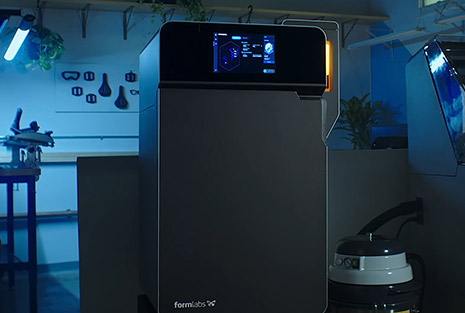
Formlabs — Benchtop SLS 3D Printers

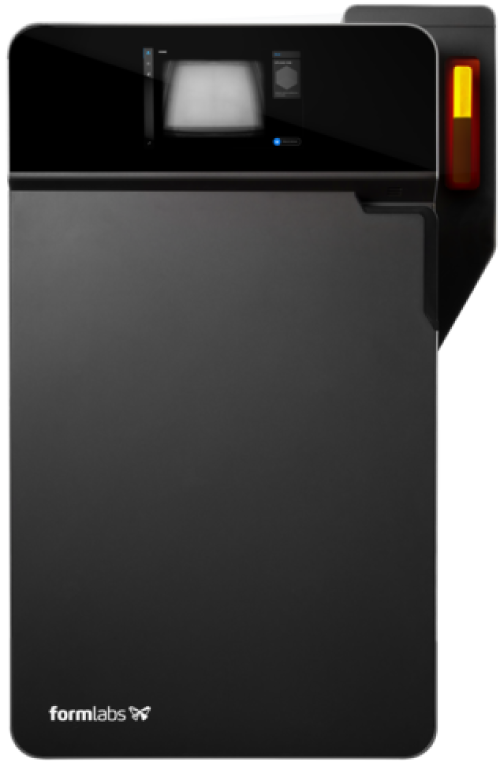
Formlabs Fuse 1+ 30W Printer Package
Best Benchtop SLS Solution
Print Volume: 330 × 240 × 300 mm³

Formlabs Fuse X1
Best Large Format SLS Solution
Print Volume: 330 × 330 × 565 mm³
SLS Post Processing Acessories
Formlabs — SLS Post Processing Accessories

Formlabs Fuse Blast
Function: Fully automated cleaning and polishing for SLS parts

Formlabs Fuse Depowdering Kit
Function: All-in-one manual post processing solution

Formlabs Fuse Sift X1
Function: Powder recovery station that keeps your SLS workflow clean and efficient. A sealed glovebox, automated powder transport, and compressed air system handle post-print processing without the mess .
AMT PostPro Vapor Smoother & SLS Post Processing Accessories

AMT PostPro SFX SLS Workflow Bundle
Best for Complete SLS 3D Printing & Post Processing
Print Volume: 190 × 320 × 190 mm³

AMT PostPro SFX Complete Bundle
Best for Small-Scale Production & R&D (Full Kit)
Print Volume: 190 × 320 × 190 mm³
3D Scanners
Shining 3D Handheld 3D Scanners

Einstar 2
Entry level handheld scanner

EinScan Rigil
Hybrid Scanning
Matter and Form Desktop 3D Scanner

Matter and Form THREE 3D Scanner
Best for Education
Laser Engravers & Cutters
xTool Laser Engraver & Cutting Units

xTool F2 Ultra Deluxe Bundle
Best for Micro Metal Engraving
Working Area: 220 × 220 mm

xTool P3 Laser Engraver
Best for Businesses, Schools & Professional-Grade Results
Working Area: 915 × 458 mm
Frequently Asked Questions
Questions Dynamism’s application engineers hear most often when helping buyers find the right technology. This 3D printer buyers guide is updated for 2026.
Where do 3D printing models come from?
Almost all CAD modeling programs export an .STL file, which can then be read and 3D printed using a slicing program. CAD modeling programs are not traditionally included in a 3D printer purchase, but free options exist for beginners. Dynamism also offers a range of 3D scanners to digitize physical objects. There are many online repositories with hundreds of thousands of ready-to-print models available for download.
What is a slicing program?
A slicing program tells the 3D printer what to do. It takes the model file and slices it into hundreds of layers, each with specific instructions (toolpath) for the machine to produce that layer. Most desktop 3D printers include a free slicing program.
How fast are 3D printers?
Print speed varies significantly by technology, material, part quality, part size, and infill amount. Small models can take hours; medium to large designs can take days. Contact Dynamism Sales for specific print time estimates on your model — email sales@dynamism.com or call 1-800-711-6277.
What is DMOD — Dynamism Manufacturing On Demand?
DMOD is Dynamism’s in-house on-demand 3D printing service. Send a file, get professional parts — without owning hardware. Dynamism engineers handle the prototyping process with your needs and confidentiality in mind. DMOD is ideal for prototyping, bridge production, benchmarking new materials, and scaling to full production.
What 3D printing training does Dynamism offer?
Dynamism offers 1-on-1 Online Training covering FFF/FDM, SLA, and slicing are available at both basic and advanced levels. Training is designed to get your team operating confidently and is available on-site or remote. Sessions can be tailored to your specific printer and workflow.
Why choose Dynamism over buying direct from a manufacturer?
A printer manufacturer can only sell you their own machine, regardless of whether it’s the right process for your part. Dynamism selects from a full portfolio of technologies and brands, so the recommendation is driven by your application, not a single vendor’s inventory. Our engineers install on-site, train your team, and return for repairs and check-ins. One partner across FFF, resin, metal, and large-format, as your needs evolve, you scale with someone who already knows your operation.