
Categories
3D Printing Engineering Manufacturing

Hybrid Manufacturing at Formlabs: 3D Printing Meets Pressure Forming

Inside Formlabs’ R&D Workflow: Combining SLA 3D Printing with the Mayku Multiplier for Faster, Scalable Product Development

Time is one of the most valuable resources for research and development teams. Whether you’re prototyping a new component or preparing for low-volume production, the goal is always the same: to find the most efficient path to a working solution without compromising quality. That’s where hybrid manufacturing comes in.

By combining SLA 3D printing with pressure forming, companies like Formlabs are unlocking faster, more flexible ways to build, iterate, and scale.

What Is Hybrid Manufacturing?

Hybrid manufacturing refers to the integration of multiple fabrication technologies such as combining resin-based SLA 3D printing with desktop pressure forming into a single workflow. While 3D printing is ideal for rapid prototyping and custom part production, pairing it with pressure forming allows teams to move seamlessly into short-run production using durable, functional materials.

This powerful combination reduces turnaround times, lowers production costs, and improves surface finish and part performance making it especially valuable for engineering teams transitioning from prototypes to real-world applications.

Why Formlabs Combines SLA Printing and Pressure Forming

Formlabs, a global leader in professional desktop 3D printing, doesn’t just sell cutting-edge technology, they use it. Inside their Boston-based headquarters, Formlabs’ R&D team relies on hybrid manufacturing to prototype, test, and produce parts entirely in-house.

Their full-stack machine shop includes CNC machining, laser cutting, casting, and SLA 3D printers, all of which empower engineers to maintain complete control over the product development cycle. By integrating the Mayku Multiplier, a compact desktop pressure former, into their workflow, Formlabs has dramatically increased both the speed and scalability of their prototyping process.

The Power of the Mayku Multiplier in Formlabs’ Workflow

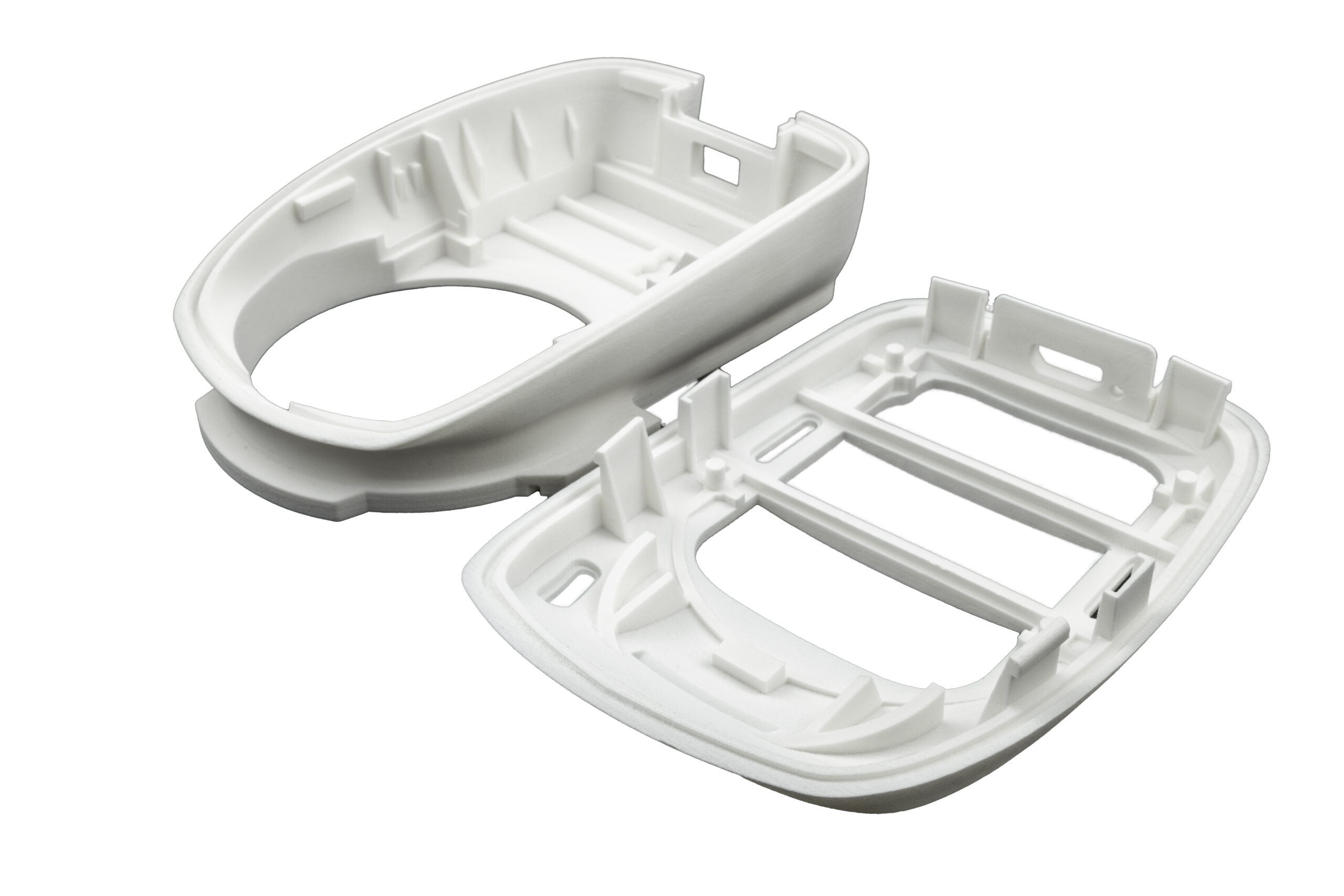
A standout example of this approach was the development of a protective IR sensor cover for the new Form 4 printer. The part needed to be both durable and precisely formed to prevent resin leaks that could damage sensitive components.

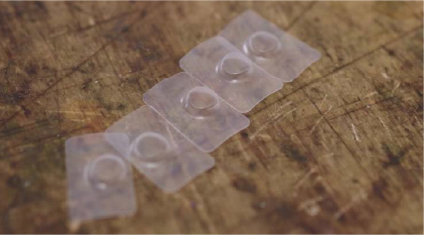
To solve the challenge, the Formlabs team used their SLA 3D printers to create accurate molds and then leveraged the Mayku Multiplier to pressure-form thermoplastic covers. The result? A functional prototype completed in just days without the need for costly outsourcing or long lead times.

Faster Prototyping With SLA Molds and Pressure Forming
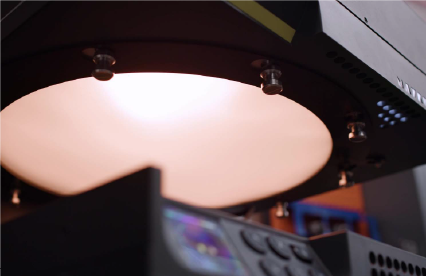
Mayku Multiplier heating up material

Mayku Multipler heating up material 

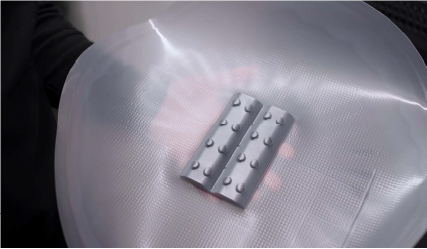
Multiplier pressure formed IR sensor covers on a Formlabs SLA 3D printed mold.

By pairing SLA-printed molds with pressure-formed parts, the Formlabs team rapidly iterated through designs, testing each version in real-world conditions. What would typically take weeks via third-party vendors was completed in-house in a fraction of the time. This hybrid approach turned a traditionally linear process into an agile, feedback-driven workflow.

“Being able to go from idea to prototype in a day or two changes how we work,” said Mechanical Engineer Jennifer Lu. “It lets us test faster, learn faster, and stay focused on building a better product.”

Real-World Results: Same-Day Prototyping With Mayku and Formlabs

The Mayku Multiplier delivered production-quality parts even on intricate geometries making it a reliable tool for daily use. Its ability to form parts quickly and in high detail helped the Formlabs team speed up testing, reduce iteration time, and boost product development velocity.
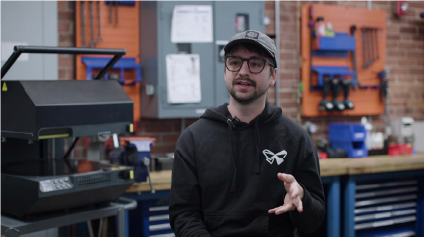
Franko Kosic-Matulic, Machine Shop Coordinator at Formlabs.
Franko Kosic-Matulic, Machine Shop Coordinator at Formlabs.

The finished  pressureformed sensor cover after postprocessing

The finished  pressureformed sensor cover after postprocessing

“We can definitely rely on the Multiplier to give us really high detail and also form quickly and produce a lot of parts,” said Machine Shop Coordinator Franko Kosic-Matulic.

What Hybrid Manufacturing Means for Engineers and Product Developers

The collaboration between Formlabs and Mayku is a compelling example of how hybrid manufacturing can elevate modern product development. By combining SLA 3D printing with pressure forming, engineers gain access to a faster, more repeatable, and cost-effective workflow ideal for prototyping, testing, and small-batch production.

Whether you’re a mechanical engineer, industrial designer, or lab manager, this approach shows how the right combination of tools can transform the way you work.


Download the Full Case Study: How Formlabs Accelerated Prototyping with the Mayku Multiplier

Get instant access to the full case study and learn how Formlabs leveraged pressure forming to cut prototyping time from weeks to days.

Marketing by
Categories
Engineering Manufacturing

Machine Design

Custom Machining with Metal Printing

Custom machining methods for prototypes and assemblies can be costly and time-consuming. By utilizing 3D printing to print metal directly, companies have been able to reduce outsourcing costs and tooling backlogs, while opening new possibilities for additional revenue. Review these four use case examples to learn how:

  • Assembly consolidation can can simplify production
  • Additive manufacturing can unlock design elements not possible through other methods
  • Products can be brought to market faster using rapid prototyping
  • More…
Categories
3D Printing

Particle Emissions During 3D Printing

What are Volatile Organic Compounds?

Volatile organic compounds (VOCs) are natural or synthetic airborne chemicals with a vapor pressure above 0.1 kPa at 20 °C. While they are often detectable as smells or odors, scientific detection takes place by sampling air around a printer under controlled conditions and then analyzing the samples. Some VOCs are hazardous. But depending on the molecular structure of the VOC, its safe Threshold Limit Values (TLV) concentration can range from a few micrograms to several milligrams per cubic meter.

Are 3D Printed VOC Emissions Dangerous?

The key to stating whether 3D printing may be harmful to your health depends on safe TLVs. These limit values essentially measure the concentration of ultrafine particles (UFPs) in the air. The fewer particles in the air, the better the health outcome for the user. There are seven key factors to take into consideration when assessing health risks from 3D printing:

  • The room’s dimensional volume affects the TLV. Larger rooms have more air volume and will result in a lower concentration of UFPs.
  • The room’s air exchange rate affects concentration buildup. Faster/more frequent air exchange cycles of the room’s dimensional volume will reduce the UFP concentration.
  • How many 3D printers you are operating. Each printer will generate UFPs, and therefore more printers will produce more UFPs.
  • What material(s) you are printing. Different materials produce different levels of UFPs during normal operation of a printer.
  • How long you are printing. The longer you are printing, the more time UFPs have to accumulate in the room.
  • How close you are to the printer(s). The closer you are to a source of UFPs, the more concentrated they will be.
  • Whether there are other emission sources in the room. Additional emission sources can affect overall room air quality in addition to UFPs from 3D printing.

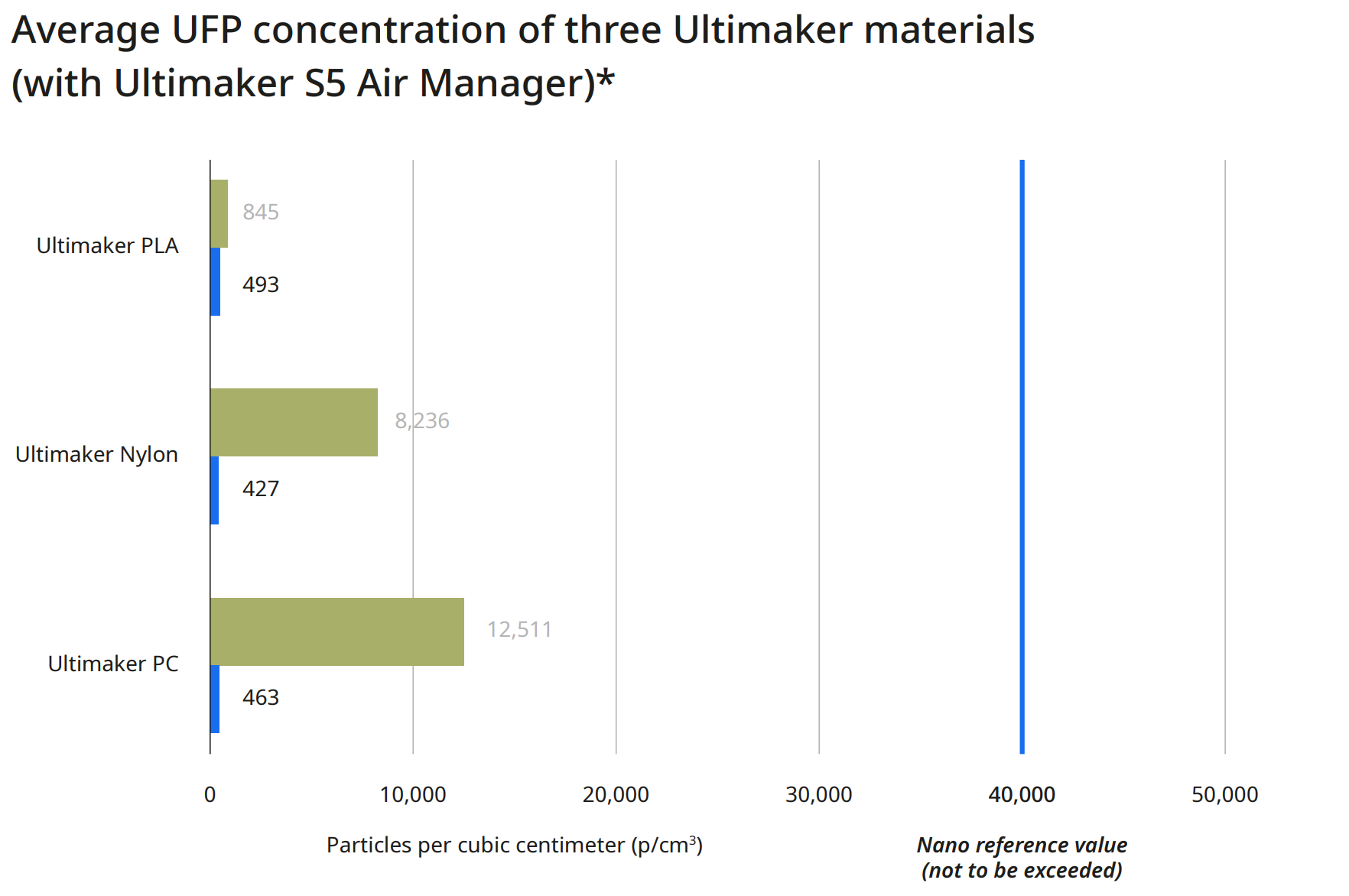
To dispel any concerns, if you 3D print under the recommended conditions, using any Ultimaker 3D printer and Ultimaker material, there is minimal concern for health risks. For current Ultimaker materials, a nano reference value of 40,000 particles per cubic centimeter (p/cm3) is relevant. Below this concentration, health risks are very unlikely.

This chart provides three average UFP concentration readings for three different print materials. These represent the low, mid, and high end range of possible particulate emissions when using an Ultimaker S5 with the standard configuration that does not include an Air Manager. Specifically, this is due to the level of UFP emission during printing for materials ranging from the low end (PLA) to the high end (Polycarbonate).

Image

* Calculated based on the particle emission rate determined from independent test laboratory measurements and assuming a typical office room of 30.6 m3 with an air exchange rate of 1.8/hr

How Do I Mitigate 3D Printed Emissions?

While it is not possible to eliminate VOC emissions entirely while 3D printing, there are steps you can take to mitigate the particulates released into the local environment.

This chart shows the particulate emissions from the same three materials and printers, along with a second reading taken an Ultimaker Air Manager system has been installed on the printer. For each material, the particle emissions have dropped to less than 500 particles per cubic centimeter. In the case of Ultimaker Polycarbonate, this has reduced overall emissions by more than 95%.

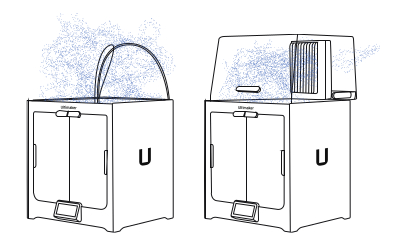
The Air Manager uses a quiet, multi-speed fan to pull air contained inside the enclosed build chamber through a filter, creating an inside-out airflow. This results in nearly all air leaving the printer through the filter, with the exhausted air having the majority of particles removed.

Image

* Calculated based on the particle emission rate determined from independent test laboratory measurements and assuming a typical office room of 30.6 m3 with an air exchange rate of 1.8/hr

Image

Download the Full VOC Emissions Paper

Get the full case study, which details the process used by Ultimaker to determine VOC emissions from their printers and materials.

Final Thoughts

An Air Manager fully encloses the Ultimaker S5 build chamber, providing users with the freedom to set up 3D printers in more locations – including areas where unwanted airflows would negatively impact print quality. Additionally, by providing a physical barrier that stops anyone from touching hot or moving parts, workplace safety is improved. Though it’s up to each individual user to assess the safety of their printing environment and make proper adjustments, adding an Air Manager or filtration solution to your setup mitigates risk substantially, while also improving overall print quality by providing a more consistent print environment.

Image

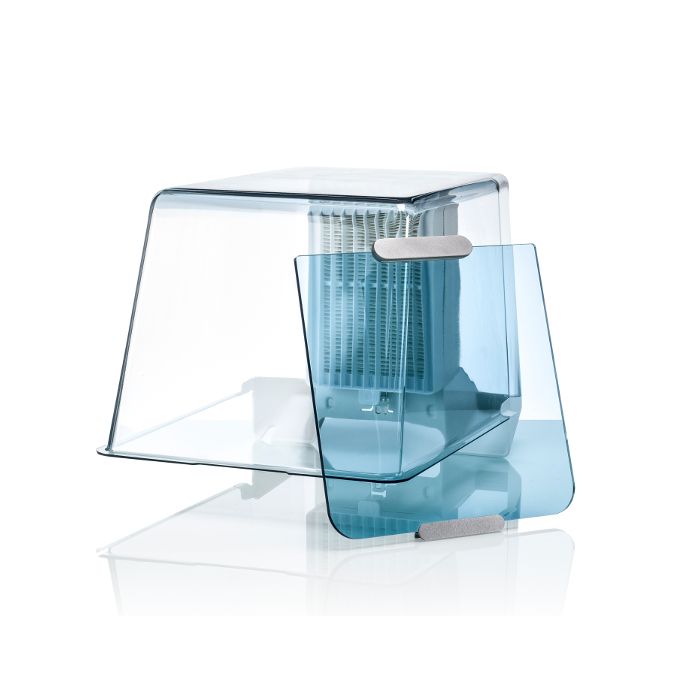
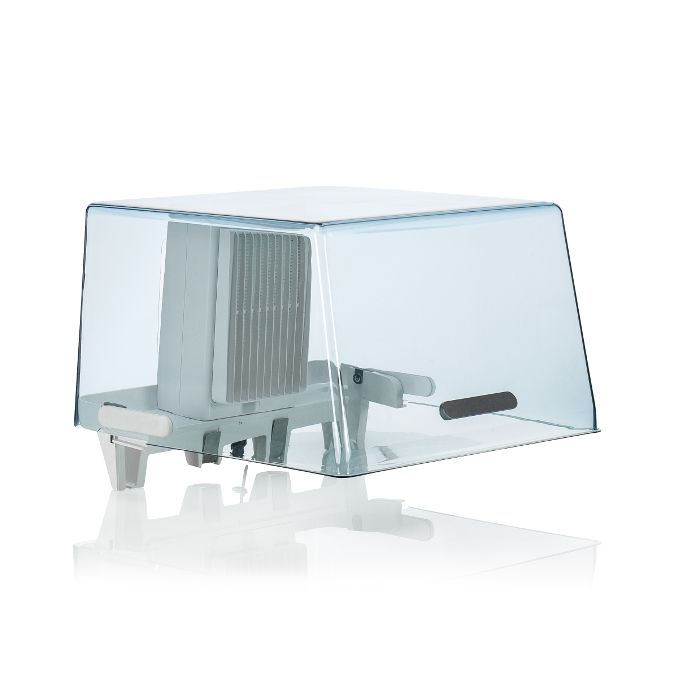
The Ultimaker 2+ Connect Air Manager (including front door enclosure) fully encloses the build chamber for a more stable printing environment, while preventing anyone from touching hot and moving components during operation.

Image

An integrated filtration solution for the Ultimaker S5 printer, utilizing HEPA filtration while providing optimized airflow settings for all Ultimaker filament. Incorporate safety in your 3D printing workflow.

Image

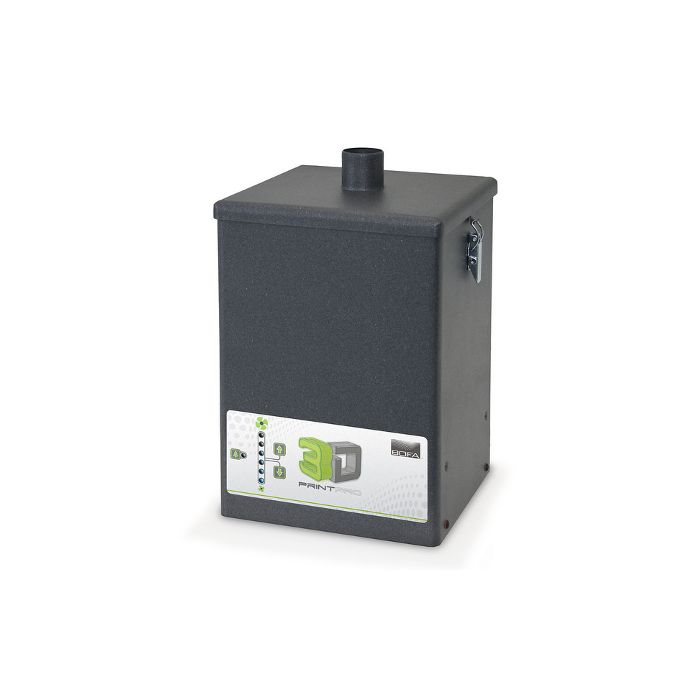
The 3D PrintPRO extraction system combines high capture performance with proven filter technology, ensuring the effective removal of hazardous particulate, gases/vapors, and odors associated with 3D printing methods. Requires an additional compatible print enclosure for proper operation.

Considering 3D Printing?

Dynamism works with thousands of schools, companies,
and government organizations. We understand the challenges
with acquiring and deploying cutting-edge technology.

Just getting started? Know what you’re looking for? We’re ready
to discuss requirements and help you make an informed decision
about the products you need, all at the best prices available.

Categories
Engineering Manufacturing

Printed Tools and Fixtures Save Time and Money

Optimizing Workflows with 3D Printing

Needs in a manufacturing environment can be varied and difficult to plan for logistically. Metro Plastics, an injection mold manufacturer, has turned their Ultimaker S5 printer into an everyday workhorse, saving them time, money, and manpower in everyday production needs. Explore how they have been able to:

  • Drastically cut down lead times from their internal tool shop
  • Generate customized and streamlined parts for easy printing and minimal post-processing
  • Realize significant per part cost reductions
  • More…
Categories
Engineering Manufacturing

3D Printed Metal Tooling Components

Save Time and Money with Desktop Metal

Additive manufacturing dramatically simplifies the process of creating tooling and fixturing. This white paper will cover multiple examples of how Bound Metal Deposition reduces time and cost in manufacturing situations. Discover how:

  • To generate higher throughput with existing machinery
  • To reduce the need for operators
  • To simplify production and reduce lead time
  • To reduce Maintenance Repair and Operation costs
  • More…
Categories
3D Printing

Is SLS Printing Right for Your Organization?

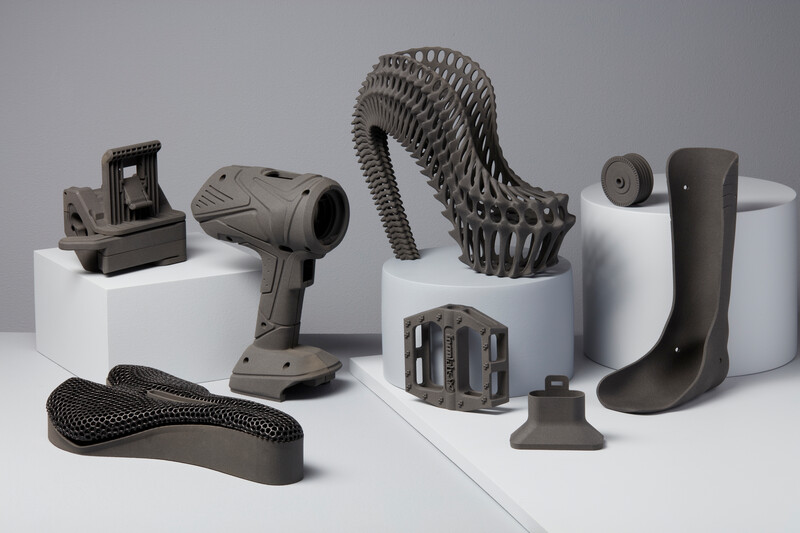
Selective Laser Sintering (SLS) is a 3D printing process that’s currently trusted by engineers and manufacturers across many different industries for its capability in producing strong, functional parts. Due to the ability to densely pack parts within the build volume, as well as the self-supporting nature of the process removing the need for support structures, it’s especially suited for low-volume production. While SLS was traditionally an expensive process with a high initial investment cost, prices have recently dropped significantly, while still delivering quality parts quickly.

However, this approach is not by default suited to all applications. There are significant considerations that must be taken into account when working with powder-based systems, and these can often require additional facilities investment and safety precautions. The variety of available printing materials with SLS may be more limited compared to other 3D printing processes. Parts will also have a textured surface finish that may not be desirable for certain functions

It’s important to fully assess all necessary factors when determining whether or not SLS printing is the right fit for your organization. But this does not need to be a daunting task, and we’re here to help! Download the Guide to SLS 3D Printing for a detailed overview, and don’t hesitate to reach out to our 3D printing experts with any additional questions.

Guide to Selective Laser Sintering (SLS) 3D Printing

Selective Laser Sintering is an Additive Manufacturing (AM) technology that uses a high-power laser to sinter small particles of polymer powder into a solid structure. Grab your white paper now to discover:

  • The Selective Laser Sintering process
  • When to use SLS over other additive methods
  • Specific material properties and strengths
  • More…

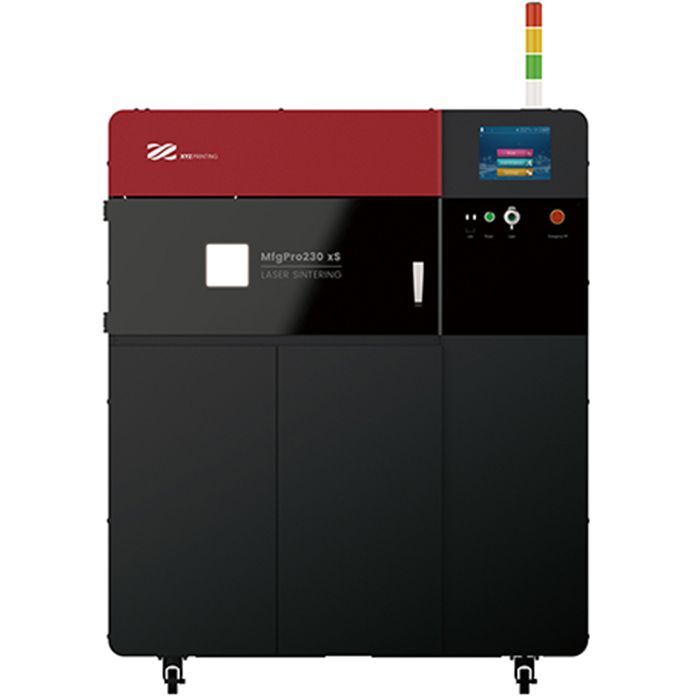
Image

An SLS printer for low-volume production with great material properties that produces isotropic parts. Create engineering quality parts with production capacity to rival injection molding.

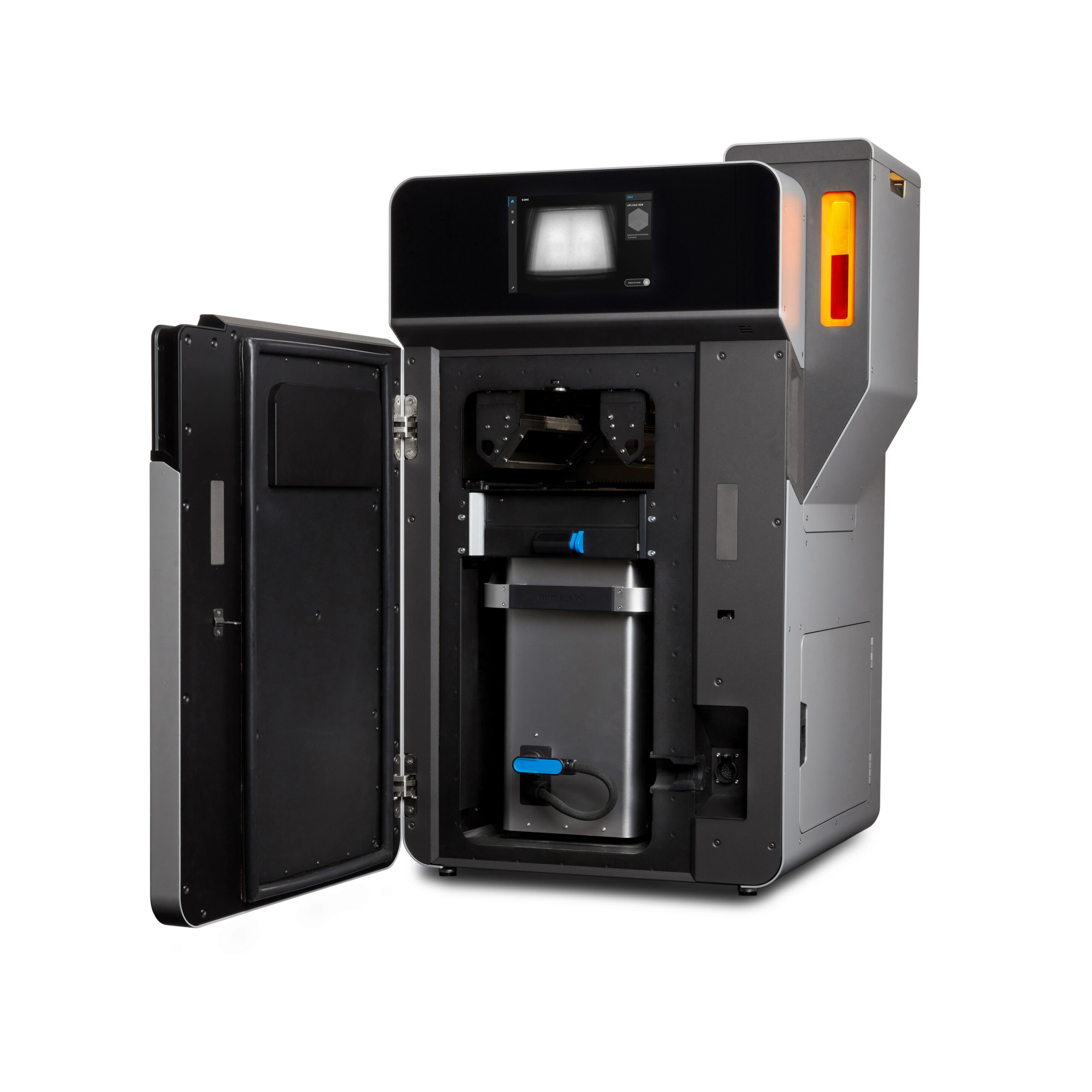
Image

The Fuse 1 and Fuse Sift bring the industrial power of Selective Laser Sintering (SLS) to your benchtop, providing prototyping and production at one tenth of the cost of existing SLS machines.

Image

Want to scale up your production without bringing new hardware in-house? We have the expertise to help! Contact our digital manufacturing team to get your parts made quickly and efficiently.

Categories
Automotive Manufacturing

Save On Costs By Bringing Tooling In House

Save Money By Producing Tools, Jigs, and Fixtures In-House

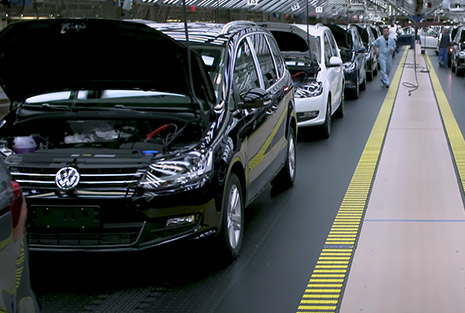
Learn how Volkswagen developed customized solutions to address specific problems, re-engineer the application of concepts applied on an auxiliary system, get rid of paperwork, and shrink implementation time on new tooling. Discover how Volkswagen:

  • Brought 93% of outsourced tooling in-house
  • Reduced costs by testing prototypes instead of redesigning existing molds
  • Achieved a savings of $360,000 per year
  • More…
Categories
Engineering Manufacturing

Azoth – Transform Physical To Digital Inventory Using Additive Manufacturing

Transform Physical To Digital Inventory Using Additive Manufacturing

Eliminate waste, save time, and reduce the cost of carrying inventory by transforming indirect materials into digital inventory that can be manufactured on demand! In this success story you will:

  • Learn about Azoth’s Take One Make One inventory management system
  • Learn how TOMO can reduce on hand inventory, eliminate stockouts, and allow engineers to iterate designs with no obsolescence
  • Find real world parts with cost and time savings
Categories
Jewelry

Vulcanized Rubber Molding with 3D Printed Masters

Vulcanized Rubber Molding with 3D Printed Masters

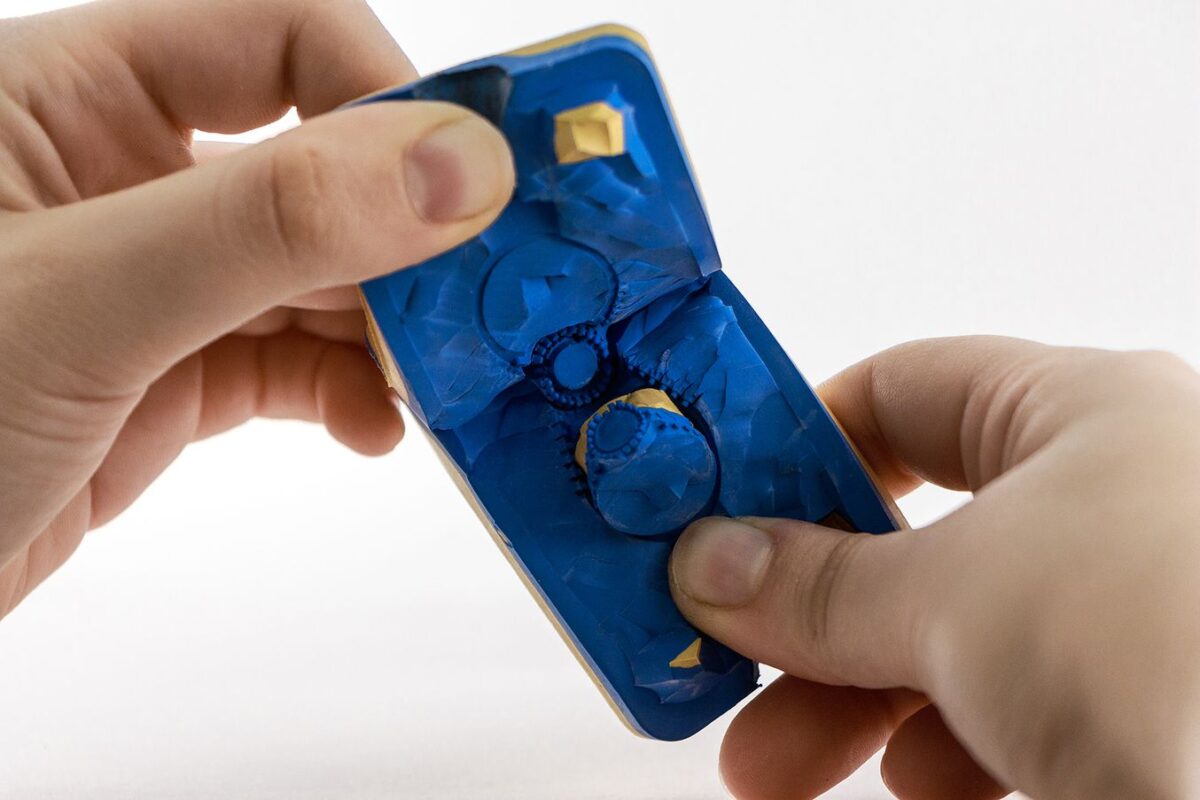
Rubber molds are used to produce wax models in quantity for investment casting of metal parts such as jewelry, small industrial components, and gaming miniatures. 3D printed masters are cheaper, faster, and more accurate than hand-crafted designs. In this white paper you’ll learn:

  • How 3D printing can be used for casting small metal parts
  • What vulcanization is and how rubber molds are made
  • Material compatibilities for rubber mold-making
  • How to select the right resin for your rubber mold-making process

Categories
Healthcare

3D Printing Medical Applications Guide

Get The Medical Applications Guide

Learn how 3D printing can be applied in your medical facility. This 23 page guide covers cost savings, testimonials, regulatory considerations, and a large range of applications including:

  • Hospital Applications
  • Orthotics & Assistive Devices
  • Patient-specific Anatomical Models
  • Supply Chain Shortages